
How to Choose a Top-Tier Linux Laptop for Your Workflow and Budget
Should You Buy Preinstalled Linux or Install It Yourself?
The decision between buying a laptop with Linux preinstalled and performing a manual installation on a Windows machine often comes down to the "Convenience Tax" versus "Tinkerer’s Value." For many professionals, paying a premium for a machine from a vendor like System76 is a wise investment. This ensures that every component—from the Wi-Fi card to the specialized function keys—has been tested and validated for the specific distribution provided.
According to community insights from platforms like Reddit and the Garuda Linux forums, the DIY path offers significant savings but requires a deeper understanding of hardware compatibility. While modern kernels have broad support, mainstream laptops often use proprietary components that may require "folk drivers" or manual kernel parameters to function correctly. When you buy preinstalled, you are essentially paying for the engineering hours the manufacturer spent ensuring you don't have to troubleshoot your own hardware.
Understanding Hardware Support Tiers
Hardware compatibility in the Linux ecosystem generally falls into three distinct categories:
- Linux-First (Preinstalled): These machines are built and tested specifically for Linux. Vendors like System76 and Tuxedo Computers often contribute directly to the kernel to ensure their hardware performs at a high standard.
- Certified Mainstream: These are Windows-first machines, such as the Dell Pro Max or Lenovo T-Series, that have been officially tested by the manufacturer. They are reliable but may lack the deep firmware integration of Linux-first models.
- Community Compatible: Hardware that works well but requires manual setup. The Framework Laptop is a prime example; while highly compatible, the user is responsible for the initial installation and configuration.
One common concern is the warranty. While switching your operating system generally does not void the hardware warranty for major brands like Dell or Lenovo, their technical support teams will typically only assist with issues if you are running the original factory OS. Linux-first vendors, conversely, provide full-stack support for both the hardware and the software environment.
Top Laptops with Linux Preinstalled for a Seamless Experience
For users who prioritize productivity over troubleshooting, the preinstalled market offers some of the most refined experiences available. The System76 Lemur Pro stands out as a top choice for portability, weighing only 2.2 lbs while offering battery life that can reach up to 18 hours under light workloads. The integration of Pop!_OS and the Rust-based COSMIC desktop environment provides a workflow that many developers find superior to traditional desktop paradigms.
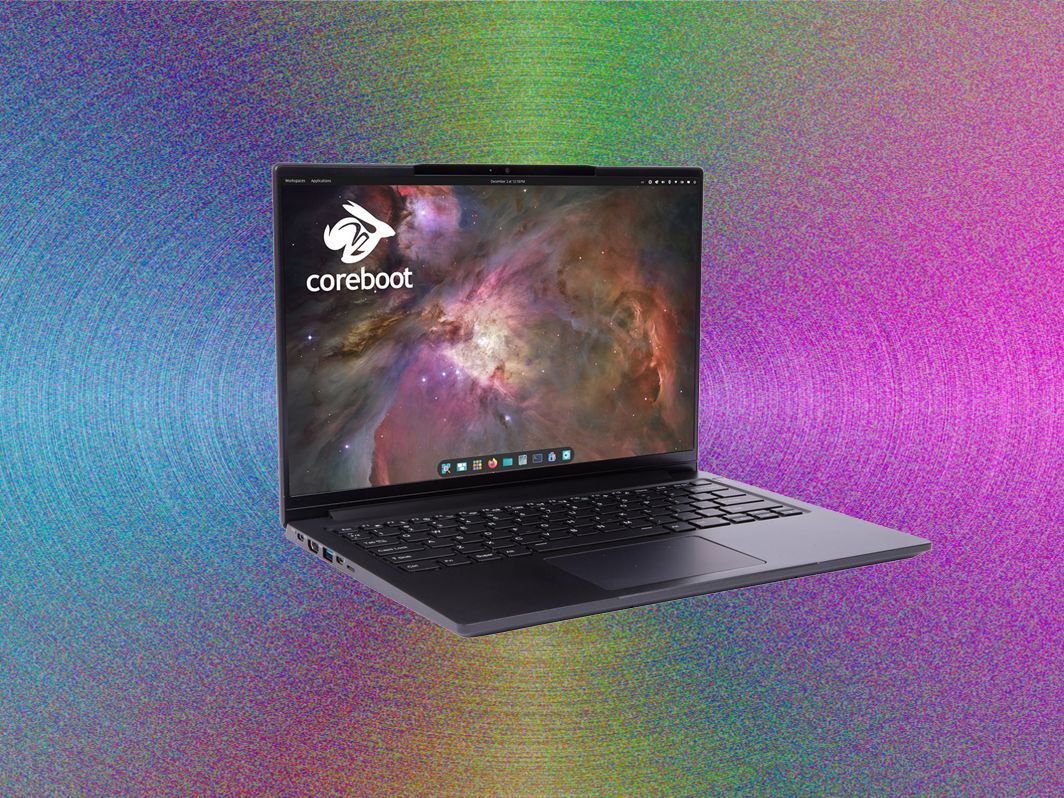
Image source: WIRED
In the European market, Tuxedo Computers has established itself as a leader with models like the Pulse and InfinityBook. What sets Tuxedo apart is the Tuxedo Control Center , a sophisticated software suite that allows for granular power management and fan control. This level of hardware-software synergy is rarely found in mainstream laptops and allows users to squeeze every bit of performance or battery life out of their hardware based on their current task.
For those requiring a "Mobile Homelab," LinuxCertified offers high-end workstations that can be configured with up to 192GB of RAM and 16TB of NVMe storage. These machines are designed for data scientists, CAD professionals, and sysadmins who need to run multiple virtual machines or heavy local simulations without hitting hardware bottlenecks.
Mainstream Laptops with Official Linux Certification
Mainstream manufacturers have recognized the growing demand for Linux in the enterprise sector. The Dell Pro and Pro Max Series (formerly known as the Latitude and Precision lines) represent the primary Ubuntu-certified business machines. Dell claims that specific configurations of these models can achieve up to 23 hours of battery life, making them a strong contender for long-haul travel and field work.
The Lenovo ThinkPad T14s and X1 Carbon remain the "developer's choice" for many in the community. This preference is largely due to the legendary keyboard quality and the fact that Lenovo has a dedicated team ensuring that ThinkPad drivers are upstreamed into the mainline Linux kernel. This means that even if you don't buy the official "Linux Edition," a standard ThinkPad is highly likely to work flawlessly with a fresh installation of Fedora or Debian.
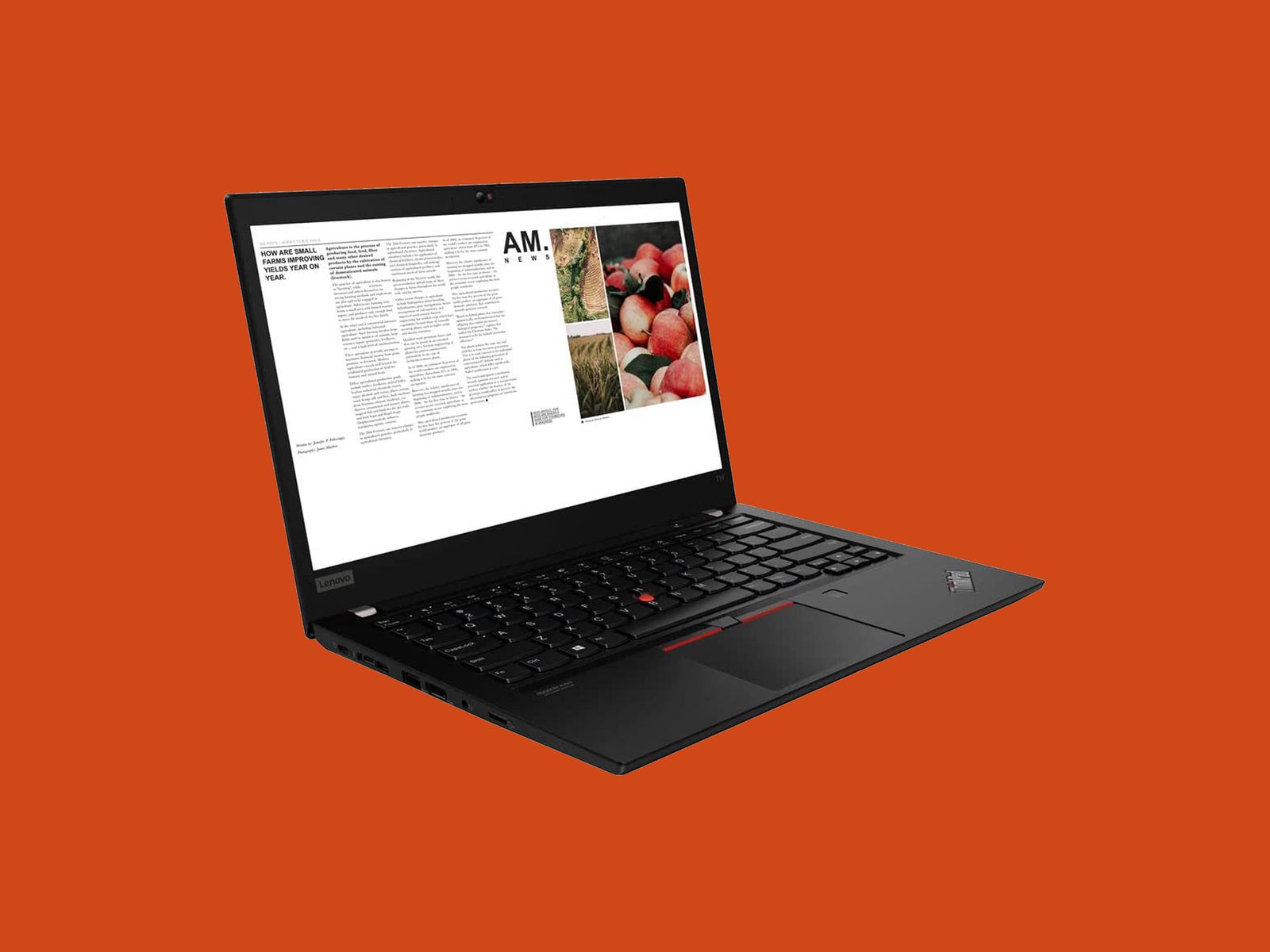
Image source: WIRED
Modular and Repairable Options for Sustainable Computing
The Framework Laptop 13 (AMD Edition) has notably changed the conversation around laptop longevity. Its modular expansion card system allows users to swap ports (USB-C, HDMI, MicroSD) on the fly, and the entire machine is designed to be opened and repaired with a single included tool. This makes it a top-tier option for users who want to avoid the "planned obsolescence" of modern ultrabooks.
While the Framework Laptop scores high on repairability, community reports on platforms like Reddit suggest that battery life often falls below the averages seen in proprietary rivals. Users should expect roughly 6-8 hours of real-world use, which may be a significant trade-off for those who prioritize all-day endurance over modularity.
Despite the battery quirks, the Framework community is one of the most active in the Linux space. There are dedicated guides for optimizing power draw using tools like `powertop` and specific kernel modules for the AMD Ryzen 7040 series. For many, the ability to upgrade the mainboard in three years rather than buying a whole new laptop is a significant step forward in sustainable computing.
Top Budget Linux Laptops for Students and Hobbyists
You do not need to spend $1,500 to get a high-quality Linux experience. In fact, many enthusiasts argue that a refurbished ThinkPad T480 or T490 is one of the strongest entry points for Linux. These machines can often be found for under $200 and feature excellent driver support, upgradeable RAM, and the famous "bridge battery" system that allows for hot-swapping batteries.
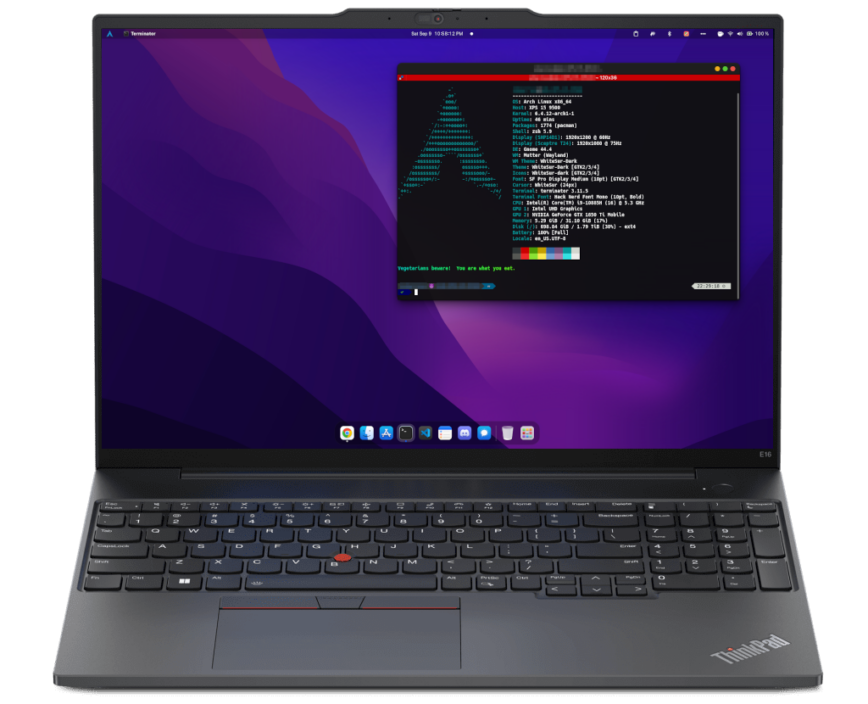
Image source: LinuxBlog.io
Distro Synergy for Older Hardware
When working with older i3 or i5 processors, the choice of distribution becomes critical. While Ubuntu is the industry standard, community members often recommend Manjaro (Arch-based) or MX Linux for older hardware. These distributions tend to have lower idle memory usage and can make a ten-year-old laptop feel remarkably responsive. Using a lightweight desktop environment like XFCE or a tiling window manager like i3wm can further extend the life of budget hardware.
Privacy Focused Laptops for High Security Environments
For users in high-security environments, the Purism Librem 14 offers features that mainstream manufacturers simply do not provide. The most notable are the physical hardware kill switches for the camera, microphone, Wi-Fi, and Bluetooth. When these switches are flipped, the circuit is physically broken, ensuring that no software exploit can re-enable them without your knowledge.
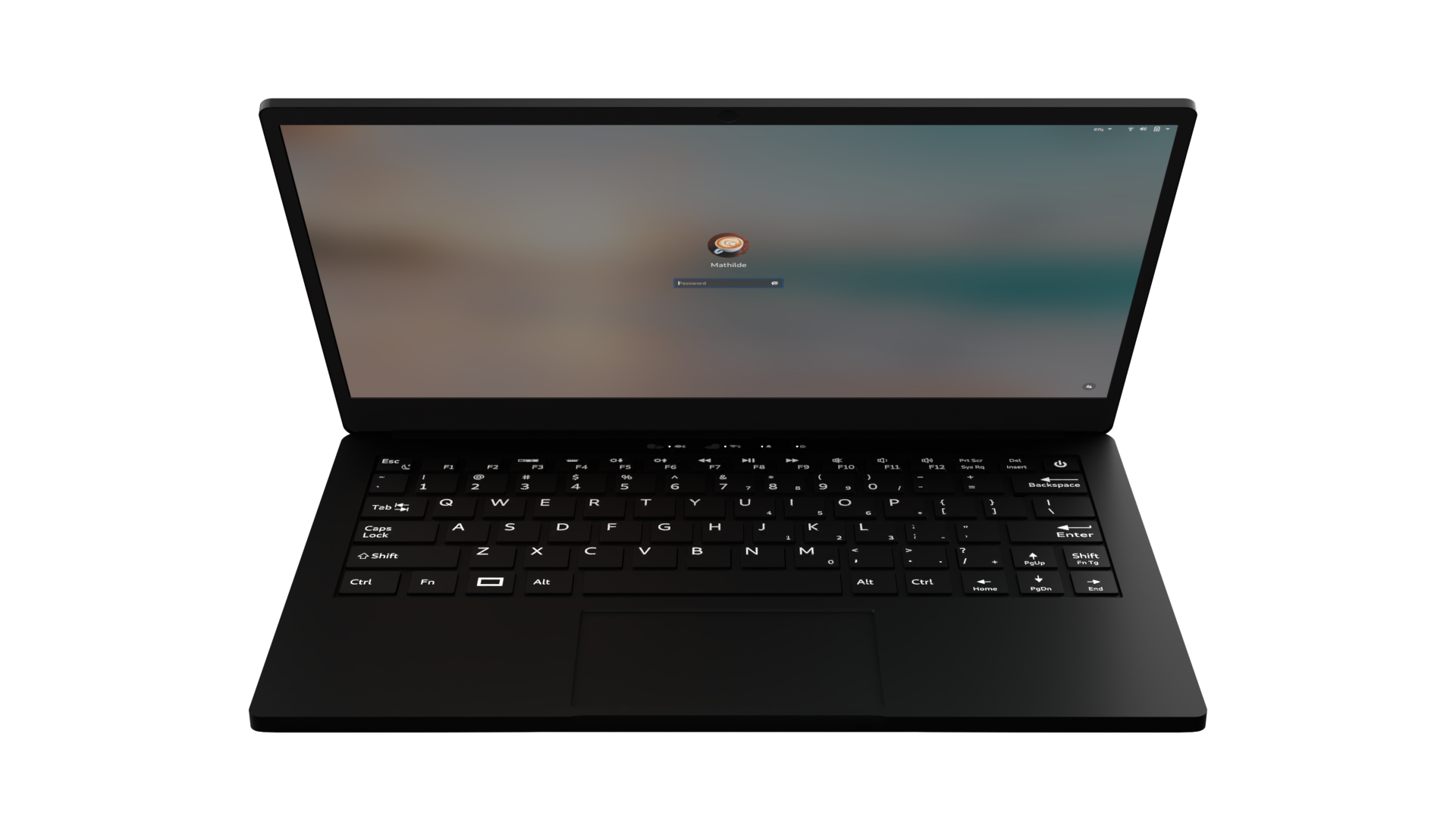
Image source: Purism
Furthermore, vendors like Purism and System76 have made significant strides in Open Firmware . By disabling the Intel Management Engine (ME)—a secondary processor that has access to all system memory and networking—and using Coreboot instead of a proprietary BIOS, these laptops minimize the number of "black boxes" in your system. This makes them a premier choice for journalists, activists, and security researchers.
Solving Common Linux Hardware Issues and Driver Conflicts
Even on "certified" hardware, Linux users may encounter specific "Hardware Gremlins." One of the most persistent issues is
Modern Standby (s2idle)
. Many modern laptops, particularly the Dell XPS line, lack traditional S3 sleep support. This can lead to significant battery drain while the lid is closed. Users can check their supported sleep states by running
cat /sys/power/mem_sleep
in the terminal. If
deep
is not an option, you may need to adjust your kernel parameters to improve standby efficiency.
"Fingerprint readers remain one of the most inconsistent components in the Linux world. Even on certified machines, the reader might work in GNOME but fail in SDDM or other display managers due to library mismatches." — Garuda Community Insight
Another common hurdle is NVIDIA Optimus (hybrid graphics). While the situation has improved with tools like `prime-run` and `optimus-manager`, updates to the NVIDIA proprietary driver can sometimes break the boot process if the kernel is not updated simultaneously. For this reason, many Linux power users prefer laptops with integrated Intel or AMD graphics unless high-end GPU performance is strictly necessary for their workflow.
Advanced Performance Tuning for Linux Power Users
To get the most out of your hardware, you should look beyond standard tools like TLP. The Tuxedo Control Center is a notably innovative tool that allows users to create custom power profiles for specific applications. For example, you can set the CPU to a low-power state while browsing the web but allow it to boost to its maximum frequency when you launch a compiler or video editor.
- Internal Sensor Watchdog (ISW)
- A community-developed tool primarily for MSI laptops that allows for manual fan curve control and battery charge thresholds that are not supported by the default kernel drivers.
- NIC Bonding
- A technique used by sysadmins to combine multiple network interfaces (like Wi-Fi and Ethernet) for increased throughput or redundancy on a mobile workstation.
- VLAN Tagging
- The ability to manage multiple virtual networks from a single physical port, a feature that is natively supported and easily configured in Linux compared to other operating systems.
For those using their laptops as a mobile homelab, Linux offers unparalleled networking flexibility. You can easily set up KVM (Kernel-based Virtual Machine) to run "disposable" distributions for testing software. This allows you to experiment with new tools without the risk of "hosing" your primary production environment.
Can You Run Linux on Apple Silicon MacBooks?
As of 2026, the status of Linux on Apple Silicon (M1, M2, M3, M4, M5) is a mixed bag. The Asahi Linux project has made remarkable progress, providing a stable experience for M1 and M2 chips, including GPU acceleration and sound support. However, newer chips often lack native distributions for general users for several months after release.
While an M2 MacBook running Linux is a high-performance machine, it is not yet a "plug-and-play" experience. Features like external display support via Thunderbolt and certain sleep states are still being refined. For most users, a dedicated Linux laptop from a vendor like System76 or Lenovo remains a more practical choice for a primary machine.
Linux Laptop Comparison Framework
| Category | Recommended Model | Primary OS | Key Strength |
|---|---|---|---|
| Ultraportable | System76 Lemur Pro | Pop!_OS | Weight (2.2 lbs) |
| Workstation | Dell Pro Max 7000 | Ubuntu | Official Support |
| Sustainable | Framework 13 (AMD) | User Choice | Repairability |
| Security | Purism Librem 14 | PureOS | Kill Switches |
| Budget | ThinkPad T480 (Refurb) | Manjaro/Fedora | Price/Value |
Frequently Asked Questions
Does installing Linux void my Dell or Lenovo warranty?
Which Linux distro is best for a touch screen laptop?
Why is my battery life worse on Linux than Windows?
Can I run Windows apps on my Linux laptop?
What are "AI PCs" and do they work on Linux?
Key Takeaways for Choosing Your Linux Laptop
- System76 is a top-rated choice for a seamless, "it just works" experience with deep firmware integration.
- Framework offers the most impressive longevity through its modular design, though battery life requires optimization.
- Refurbished ThinkPads provide the strongest price-to-performance ratio for students and hobbyists.
- Privacy-first vendors like Purism are essential for users who require hardware-level security and open firmware.
- Always verify S3 sleep support if you prioritize battery life during standby, as modern s2idle can be problematic.
- Check for NPU support if you plan on running local AI workloads, as this is a major hardware trend in 2026.
Before you make a purchase, verify the specific Wi-Fi chipset and sleep state compatibility for your chosen model to ensure a frustration-free setup.
-
Topic: Current best laptop for linux : r/linuxquestionshttps://www.reddit.com/r/linuxquestions/comments/1rp9l6q/current_best_laptop_for_linux/
-
Topic: Best Linux Compatible Laptops 2026https://linuxblog.io/best-linux-compatible-laptops/
-
Topic: The Best Linux Laptops (I Install Linux on Every Laptop ...https://www.wired.com/story/best-linux-laptops/

How to Choose the Best Touch Monitor Laptop Setup for Your Needs
Compare built-in touchscreen laptops vs external touch monitors. Learn about USB-C connectivity, Windows 11 gestures, and macOS compatibility fixes.


What Is Ubuntu OS and Why Is It a Leading Choice for Linux Users?
Learn what Ubuntu OS is, how to install it, and why developers use this Linux distro. Covers Ubuntu Pro, Snaps, and Windows migration tips.


How to Install Linux on Surface Pro 4 to Replace Windows 10
Save your Surface Pro 4 from Windows 10 EOL. Learn how to install Linux, fix touchscreens, and optimize battery life with the custom surface kernel.