
How to Set Up and Play Jackbox.tv on Your Smart TV or Console
To play Jackbox games on your TV, you need a host device (PC, Console, or Smart TV app) and smartphones for all players. The host launches the game to generate a 4-letter room code . Players then navigate to Jackbox.tv on their mobile browsers, enter the code and their name, and hit "Play." No extra controllers are required as the phone acts as the input device.
Understanding the Jackbox.tv Ecosystem and Controller Portal
Jackbox Games, formerly known as Jellyvision Games, has established itself as a leader in the social gaming space since its rebranding in 2013. According to company history , the developer is famous for the You Don't Know Jack series, which transitioned from traditional CD-ROM trivia to the modern "phone-as-controller" model. This innovation allows groups of people to play together without needing a dozen expensive gaming controllers.
The core of this experience is the Jackbox.tv portal. Many users mistakenly search for "jack ox.tv" or "jackbox tv," but the official URL is the gateway for every player. When you launch a Jackbox Party Pack on your PlayStation, Xbox, Switch, or PC, the game acts as the "server," and the website acts as the "client." This separation ensures that the game can run on high-performance hardware while the user interface remains accessible on any device with a web browser.
Image source: Reviewed
This system is widely considered one of the most accessible ways to host a game night. Because the game supports up to eight active players and thousands of audience members in some titles, the web-based approach is a significant advancement over traditional local multiplayer. Whether you are playing Quiplash , Drawful , or Trivia Murder Party , the process remains identical, making it a top choice for families and non-gamers alike.
How to Join a Game Using the Jackbox.tv Room Code
Joining a session is designed to be a 30-second process. Once the host has selected a game from their library, a unique 4-letter room code will appear prominently on the TV screen. This code is the key to connecting your device to that specific game session.
On your smartphone or tablet, open Chrome, Safari, or any modern web browser. You do not need to download an app from the App Store or Google Play.
Type Jackbox.tv into the address bar. Be careful with typos like "jack ox.tv," as these may lead to parked domains or search results for RV antennas.
Input the 4-letter code exactly as it appears on the host's screen. The code is not case-sensitive.
Enter the name you want to appear in the game. Some games also allow you to draw a quick avatar at this stage.
If you encounter an error stating the "Room Not Found," it typically means the host has not yet started the game, or the server is momentarily unreachable. In such cases, refreshing the page on your phone usually resolves the issue. According to official Jackbox.tv documentation, ensuring your phone is not on a restricted VPN or corporate Wi-Fi can also help maintain a stable connection to the game servers.
Connecting Your Gaming Device to the Big Screen
While the players use phones, the game itself must be displayed on a large screen so everyone can see the prompts, timers, and scores. There are several ways to achieve this depending on your available hardware.
Using an HDMI Cable for Laptops and PCs
For many, the most reliable method is a direct physical connection. If you own a Jackbox Party Pack on Steam or the Epic Games Store, you can connect your laptop to your TV using a standard HDMI cable. Once connected, you may need to adjust your display settings (Windows Key + P) to "Duplicate" or "Extend" your desktop. This ensures the game audio and visuals are piped directly into your home theater system. This method is often preferred for its low latency and high visual fidelity.
Setting Up Jackbox on PlayStation, Xbox, and Nintendo Switch
Jackbox titles are available on all major gaming consoles. To get started, visit the PlayStation Store, Microsoft Store, or Nintendo eShop and search for "Jackbox." Once the game is downloaded and launched, it will automatically handle the server connection. Consoles are a top-tier option for hosting because they are already connected to your TV and usually have a stable, wired internet connection, which helps prevent the game from dropping mid-round.
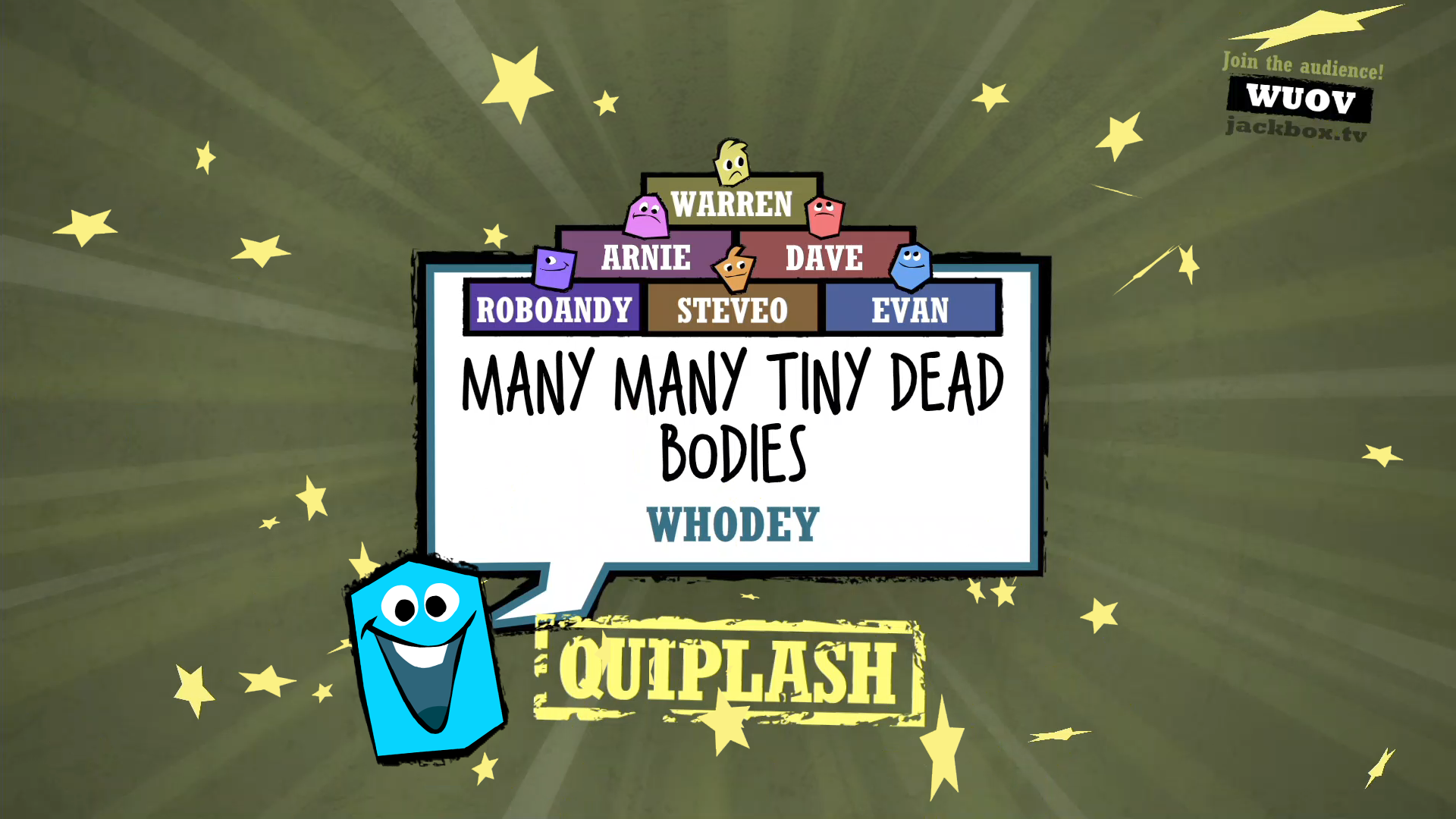
Image source: prudas
How to Cast Jackbox from a Chrome Browser to Your TV
If you don't have a console or a long HDMI cable, you can use Google Chromecast or a built-in Smart TV casting feature. Open the game in a Chrome browser on your PC, click the three dots in the top right corner, and select "Cast." Choose your TV from the list. For the best results, ensure both the PC and the TV are on the same 5GHz Wi-Fi network. While this method is convenient, it can occasionally introduce slight visual lag, so it is less recommended for fast-paced games like Zeeple Dome .
How to Play Jackbox Games Directly on Netflix Without a Console
A notably innovative development in the Jackbox ecosystem is the integration with Netflix. As of 2026, the "Jackbox Party Essentials" pack is available to Netflix subscribers on supported Smart TVs and streaming devices. This means you do not need to purchase a separate game license if you already have a Netflix account.
To access this, navigate to the "Games" tab within the Netflix app on your TV. Select the Jackbox title, and the screen will display a QR code. Scanning this with your phone will automatically take you to the controller portal and input the room code for you. According to Netflix Tudum , this pack typically includes fan favorites like Quiplash 3 , Trivia Murder Party 2 , and Drawful 2 . This method stands out as a top choice for casual users who want to host a game night without investing in gaming hardware.
How to Fix Lag and Connection Issues on Your Phone
Nothing ruins a game of Drawful faster than a drawing that won't register or a timer that jumps from 10 seconds to zero. Controller lag is a common pitfall that official guides often gloss over, but it can usually be fixed with a few technical tweaks.
One of the most effective ways to reduce lag is to optimize your Wi-Fi bands. If possible, put the host device (the TV or PC) on a 5GHz band or a wired Ethernet connection. Meanwhile, keep the players' phones on the 2.4GHz band if the 5GHz signal is weak in your living room. This reduces interference between the devices. Additionally, hardware experts at TCL suggest enabling "Game Mode" on your Smart TV settings to reduce the processing time between the game engine and the display.
Troubleshooting the King Jack RV TV Antenna
Due to the similarity in names, many users searching for "jack ox.tv" are actually looking for help with their King Jack RV TV Antenna . If you are trying to get local channels on your motorhome rather than playing a party game, this section is for you.
Identifying Power Issues via LED Indicators
The King Jack antenna requires power to amplify the signal. Most models feature a wall plate with a small button and an LED light. A common point of confusion is the color of this light. Depending on your specific model, a Blue LED or a Green LED indicates that the power injector is active. If the light is off, your antenna is essentially a piece of plastic on your roof; it will not pick up signals effectively. Always check your manual to confirm which color corresponds to "Power On" for your unit.
Common Wiring Issues in RV Coaxial Systems
If the LED is on but you still have no signal, the issue often lies in the "coaxle" (coaxial) wiring. RVs are subject to significant vibration, which can loosen the connections behind the ceiling unit or inside the wall plate. Community members on the Escape Forum frequently report that the shielding on the coaxial cable can fray or snap near the rotation mechanism of the antenna. Inspecting these physical points is a necessary step for any RV owner experiencing signal loss.
How to Play Jackbox Remotely via Discord or Zoom
In recent years, remote play has become a standard way to enjoy Jackbox with friends across the globe. While the game is designed for local play, screen-sharing software makes long-distance sessions possible.
| Platform | Best For | Key Setting to Enable |
|---|---|---|
| Discord | Gamers / Low Latency | "Share Audio" toggle |
| Zoom | Large Families | "Optimize for Video Clip" |
| Steam Remote Play | 1-on-1 or Small Groups | Invite via Friends List |
When using Discord, the most common mistake is forgetting to toggle the "Share Audio" button when starting the screen share. Without this, your friends will see the game but won't hear the iconic narrator or the music. For Zoom users, the "Optimize for Video Clip" setting is essential to prevent the game from looking choppy on the other end. Keep in mind that remote players will experience a slight delay (usually 1-2 seconds), so the host should enable "Extended Timers" in the game's settings menu to keep things fair.
Choosing the Right Jackbox Party Pack for Your Group
With over ten packs available, deciding where to start can be daunting. Each pack offers a different mix of trivia, drawing, and social deduction games. As of late 2024, Jackbox Party Pack 11 is the most recent full release, but older packs still rank among the top choices for specific audiences.
- For Large Groups (8+ players): Jackbox Party Pack 3 is widely regarded as a top-tier choice because it includes Trivia Murder Party and Quiplash 2 , both of which handle large crowds exceptionally well.
- For Families: Jackbox Party Pack 6 features Push The Button , a social deduction game that is easier for younger players to grasp than some of the more wordy titles.
- For Beginners: The Netflix Party Essentials pack is a strong contender, offering the most famous titles (Fibbage, Quiplash, Drawful) in one accessible location.
Official announcements from Jackbox Games indicate that Party Pack 12 is slated for a Fall 2024 release window, promising even more variety for long-time fans. When choosing, consider the "Family Friendly" filter available in the settings of most modern packs, which censors prompts that might be inappropriate for younger children.
Key Takeaways for a Perfect Game Night
- Use the correct URL: Always go to Jackbox.tv ; avoid typos like "jack ox.tv" to ensure you reach the official portal.
- No controller needed: Your smartphone is your controller. Ensure it is charged and has a stable internet connection.
- Check your platform: You can play via Steam, Consoles, or even directly through the Netflix app on your Smart TV.
- Minimize lag: Use a wired connection for the host device and disable VPNs on player phones to reduce input delay.
- Remote play is easy: Use Discord or Zoom to host games for friends who aren't in the room, but remember to share your system audio.
- RV Antenna users: If you are troubleshooting a King Jack antenna, check the LED power light on the wall plate first.
Start your next session by launching the game on your TV and having everyone join the room code simultaneously to ensure the servers sync correctly.
Frequently Asked Questions
No, you do not need to purchase anything on your phone. The Jackbox.tv website is a free portal that works in any mobile browser. Only the host (the person whose TV is showing the game) needs to own a copy of the game on their console, PC, or streaming device.
Yes, many games in the Jackbox library support two players, including Fibbage 4 and Quiplash . However, most titles are designed for 3-8 players to maximize the social dynamics and humor. Some games, like Push The Button , require a minimum of four players to function correctly.
If a code isn't working, first check for typos. If the code is correct, the host may have a "Room Code Hiding" setting enabled, or the Jackbox servers might be experiencing high traffic. Try restarting the game to generate a fresh code. Also, ensure your phone is not on a public Wi-Fi network that blocks certain web sockets.
According to the most recent developer roadmaps, Jackbox Party Pack 12 is expected to release in the Fall 2024 window. The developers typically announce the specific lineup of five games included in the pack during the summer months leading up to the launch.
Every Jackbox game has a "Settings" or "Options" menu accessible by the host. Within this menu, you can toggle the "Family Friendly" filter on or off. You can also enable "Post-Game Sharing" if you want to save the funny drawings or answers created during your session.
How to Reset Your Fire TV Remote and Fix Pairing Issues Quickly
Fix your Fire TV remote with the 12-second reset trick. Learn how to pair, troubleshoot blinking lights, and fix unresponsive buttons in minutes.

Spotify - Web Player: Music for Everyone and How to Stream Anywhere
Stream music and podcasts in your browser with Spotify Web Player. Access login, mobile workarounds, and advanced search tips for 2026.

How to Activate and Manage Your T-Mobile Netflix on Us Benefit Without the Billing Headaches
Activate T-Mobile Netflix on Us, link accounts, and avoid the $25 extra member trap. Fix billing loops and UI bugs in this 2026 guide.